Facebook Marketplace is a free buy-and-sell section inside Facebook where people near you list used furniture, cars, clothes, tools, and more. You open it from the app’s icon row or the left sidebar on a computer, search or browse, then message the seller and agree on a price. Local pickup costs nothing.
Where to find Marketplace
In the Facebook app, look for the small storefront icon. On iPhone it sits in the row of icons at the bottom of the screen. On Android it usually runs across the top. On a computer, Marketplace lives in the left sidebar, or you can go straight to facebook.com/marketplace.
Don’t see it? Tap the menu button (three lines) and look under See more. You can also pin it back where you want it, because Facebook lets you personalize your tab bar and set each shortcut to Pin, Auto, or Hide.
Do you need a Facebook account?
Yes. Marketplace only works with an active Facebook account, and you have to use your main profile rather than an additional profile. You also need to be an adult where you live, which means 18 in the United States. Facebook spells out the rest on its page about who can use Marketplace.
How buying works
Type what you want into the search box, or browse the categories down the side. Then set your distance, price, and condition filters so you only see listings worth your time. Facebook’s guide to finding items to buy shows where those filters sit on each device.
Tap Message to ask the seller questions before you commit. Most local deals end with the two of you meeting in person and paying cash. Some sellers switch on shipping and Facebook checkout instead, so you pay in the app and the item comes by mail. If you’re hunting bargains close to home, our guide to buying and selling near you goes further. Shopping from a business rather than a neighbor works differently, and our notes on buying from local vendors cover that.
How listing an item works
Tap Sell, add a few clear photos, write an honest description, set a price, and confirm your location. Your listing goes live in minutes and buyers message you directly. You choose who to sell to, and you can edit or delete the listing any time. Facebook’s selling on Marketplace section covers listings and delivery settings, and our step-by-step post on selling your stuff digs into photos, pricing, and replying to buyers.
What it costs
Local sales are free. There’s no listing fee, and Facebook takes nothing when the buyer picks the item up and pays you directly.
Shipping through Facebook checkout is different. A selling fee comes out of your payout: 10% of the order total, or a minimum of $0.80, as of 2026. Buying costs you nothing either way.
Staying safe
Nearly every Marketplace problem comes from a short list of predictable tricks. The FTC’s advice on buying from an online marketplace and the BBB’s Marketplace scam tips name the common ones: fake payment screenshots, overpayment checks, and strangers who ask you to read back a six-digit code.
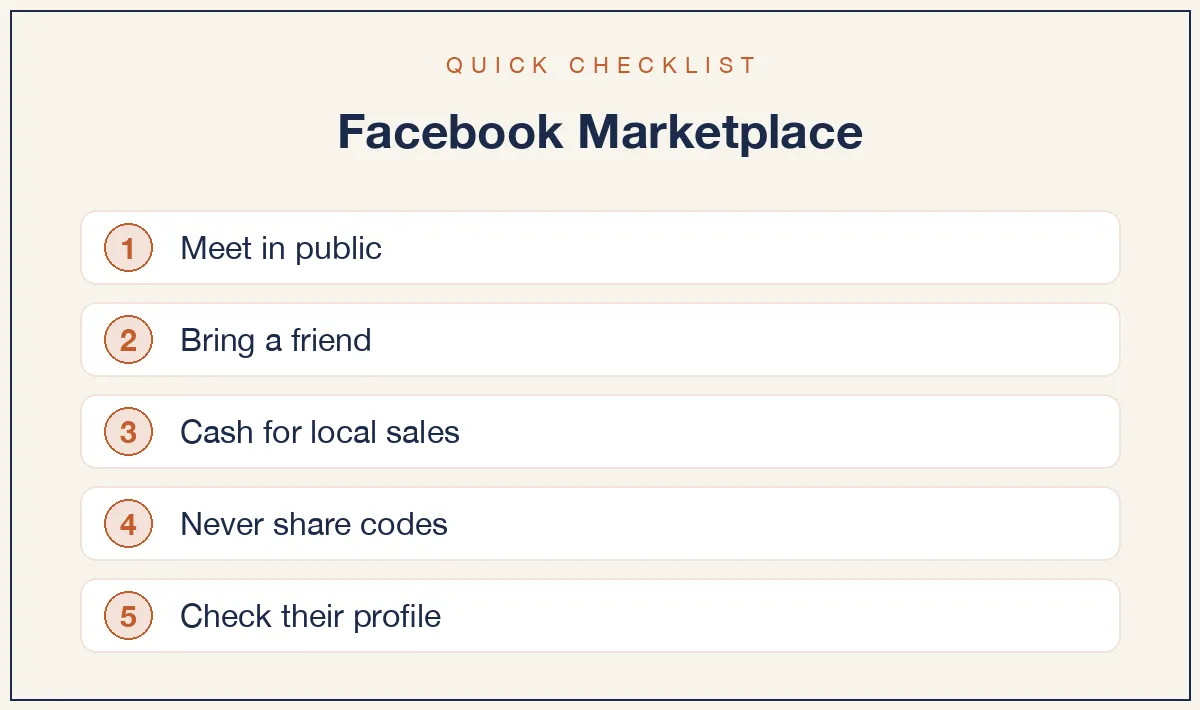
- Meet in a public, well-lit place. Many police departments run a safe exchange zone for this exact purpose.
- Bring someone with you, and tell a friend where you’re going.
- Take cash for local sales. Payment apps and checks can be reversed or forged.
- Never share a verification code, and don’t hand out your phone number.
- Check the other person’s profile. A brand-new account with no history is a warning sign.
- Walk away if anything feels rushed, and report the listing. Facebook explains how on its buy and sell responsibly page.
Start by listing one thing you don’t need. You’ll learn the whole system in an afternoon.
Pingback: How to Find Local Vendors on Facebook and Vet Them - Article Archive